Project Overview
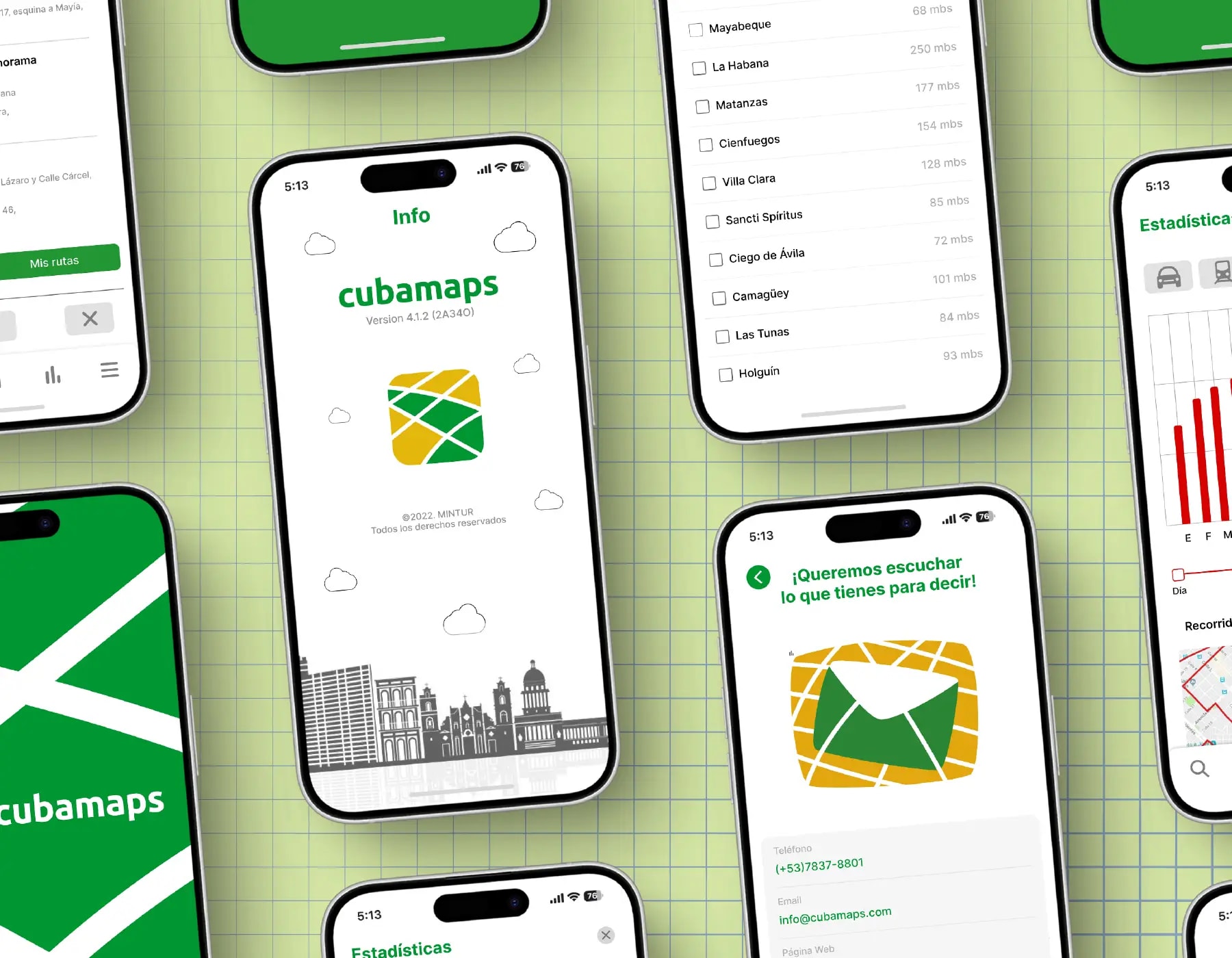
Cubamaps is a digital platform comprising a website, a landing page, and an interactive map application. The project focused on designing a clean, intuitive UI/UX centred around interactive maps. The scope includes points of interest, featured locations, favourites, contextual controls, and a scalable navigation system. The result is a modern, functional platform that makes discovering and exploring locations intuitive across web and app.
Creative Challenge
The primary challenge was designing a map-centred experience capable of organising multiple features while remaining intuitive and easy to navigate. Points of interest, featured places, favourites, and contextual controls all had to coexist without overwhelming the interface. Map UIs often suffer from visual clutter; the goal was to keep the surface clean without hiding functionality.
Strategy
We structured the interface around progressive disclosure and clear information architecture. High-priority actions and primary navigation remain permanently visible, while secondary features are tucked into contextual controls that appear when relevant. A modular component system lets the interface scale from landing page to full application without rebuilding patterns.
Design Solution
The design delivers a consistent map-first interface with a scalable navigation system, intuitive points-of-interest cards, and smart contextual controls. The landing page funnels users efficiently into the map experience, while the application layer supports favourites, featured locations, and layered interactions. Every screen follows the same spacing, typography, and interaction rules.
Results & Impact
The outcome is a modern, user-friendly platform that makes location discovery feel natural and effortless. The unified experience across web and app reduces cognitive load and provides a reliable foundation for future feature expansion.
Tools Used
- Figma
- UI Design
- UX Design
- Wireframing
- Prototyping
- Information Architecture